Supported DJI Mini Series Models
DJI Mini 1
DJI Mini 2
DJI Mini 3
DJI Mini 3 Pro
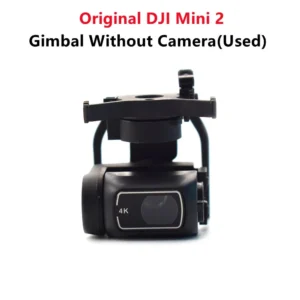
If your Mini drone shows gimbal calibration failure, camera tilt problem, or takeoff blocked message, our software solution can help restore proper balance and smooth performance.
Supported DJI Air Series Models
DJI Air 2
DJI Air 2S
If your Air series drone is facing firmware errors, sensor issues, or gimbal initialization problems, we provide a tested and secure software repair process.
What Problems This Software Fix Solves
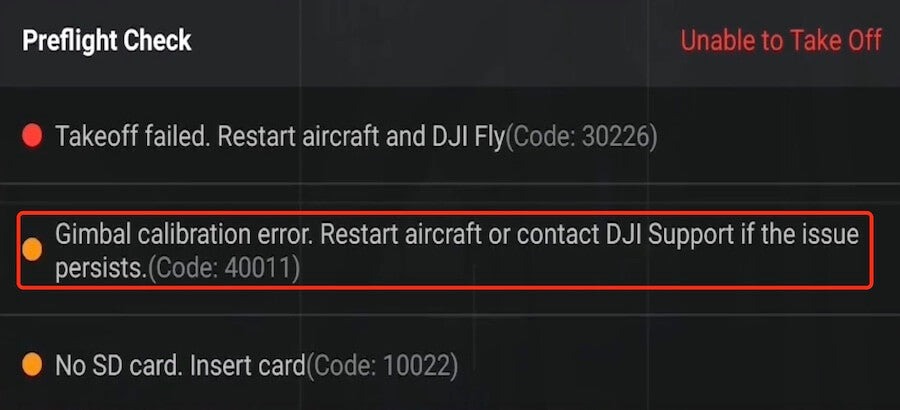
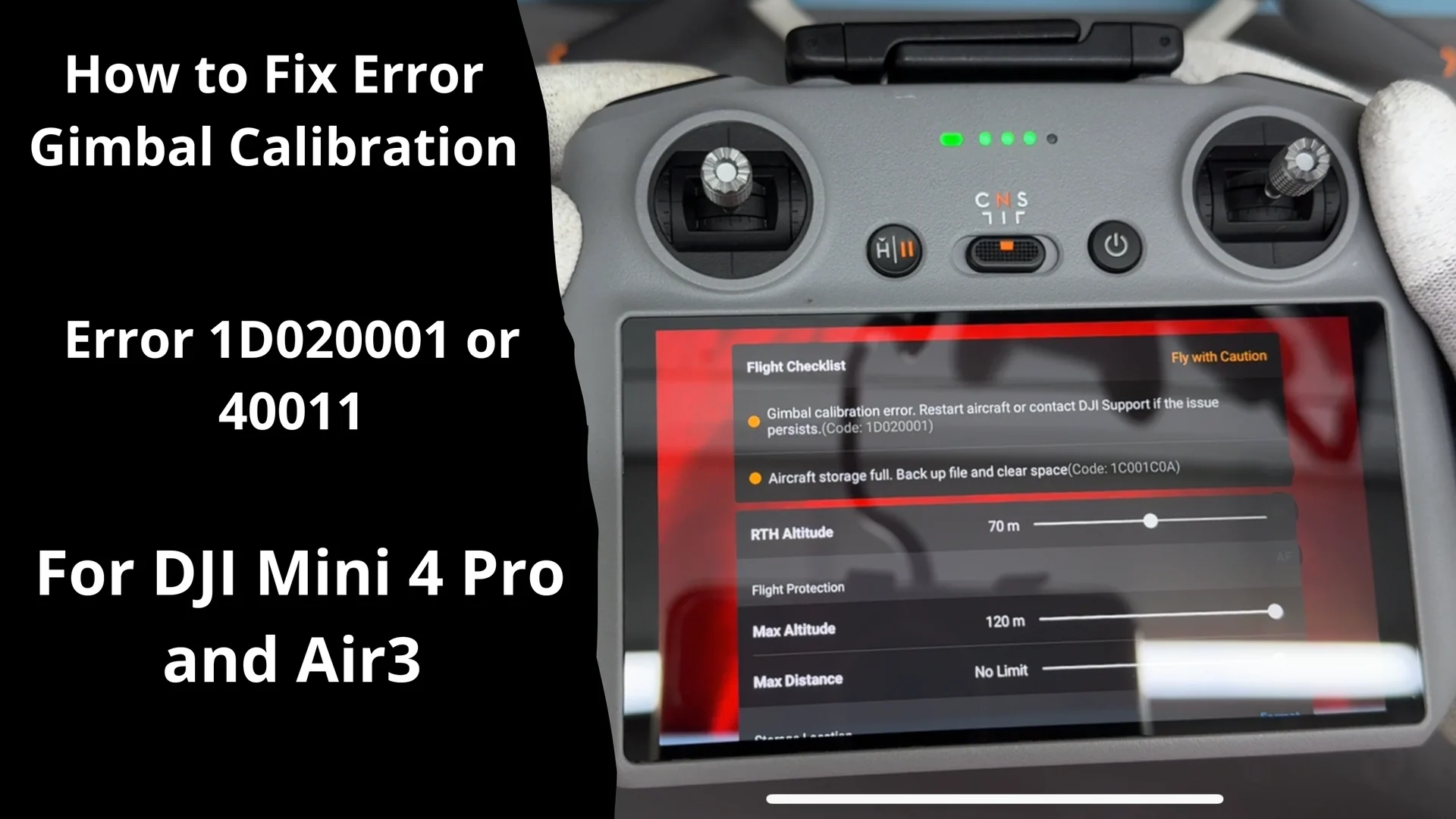
✔ DJI Gimbal Calibration Error Code 40011
✔ Takeoff Failed Error Code 30226
✔ Firmware update failure
✔ Gimbal shaking or stuck issue
✔ Camera not level or horizon tilted
✔ Sensor initialization error
Our goal is to fix the actual root cause, not just give a temporary solution.
How Our Software Repair Process Works
Send your drone model name and error screenshot on WhatsApp
We check and confirm compatibility
Software diagnostic and reset procedure is performed
Firmware reinstall and gimbal calibration are completed
Final testing ensures safe flight and stable camera balance
The process is simple, guided, and secure.
Why Choose Our DJI Software Support in India
Compatible with specific DJI Mini and Air models
Safe and professional method
Clear step-by-step guidance
Service available across India
If your DJI Mini or DJI Air series drone is showing Gimbal Calibration Error Code 40011, avoid repeated takeoff attempts. This can cause further internal damage.
Send your model name and error screenshot to get quick assistance and restore your drone’s safe flight performance.
Reviews
There are no reviews yet.